Widgets & the Quick Settings tile
Echidna ships three feature-rich home-screen widgets — Control, Preset, and Quick Controls — plus a basic toggle widget, and a Quick Settings tile, so you can see engine status and reach the common controls without opening the app. All of them report the engine state honestly — they never fabricate an "active" state, and on an unrooted device they show the engine as not installed.
Honest state everywhere
The widgets and tile mirror the same engine-status logic as the in-app Dashboard card. Precedence is: error → not installed (when the native engine isn't present) → active → standby → bypassed. If the engine module isn't installed, every surface says so; none of them will claim audio is being processed when it isn't.
Home-screen widgets
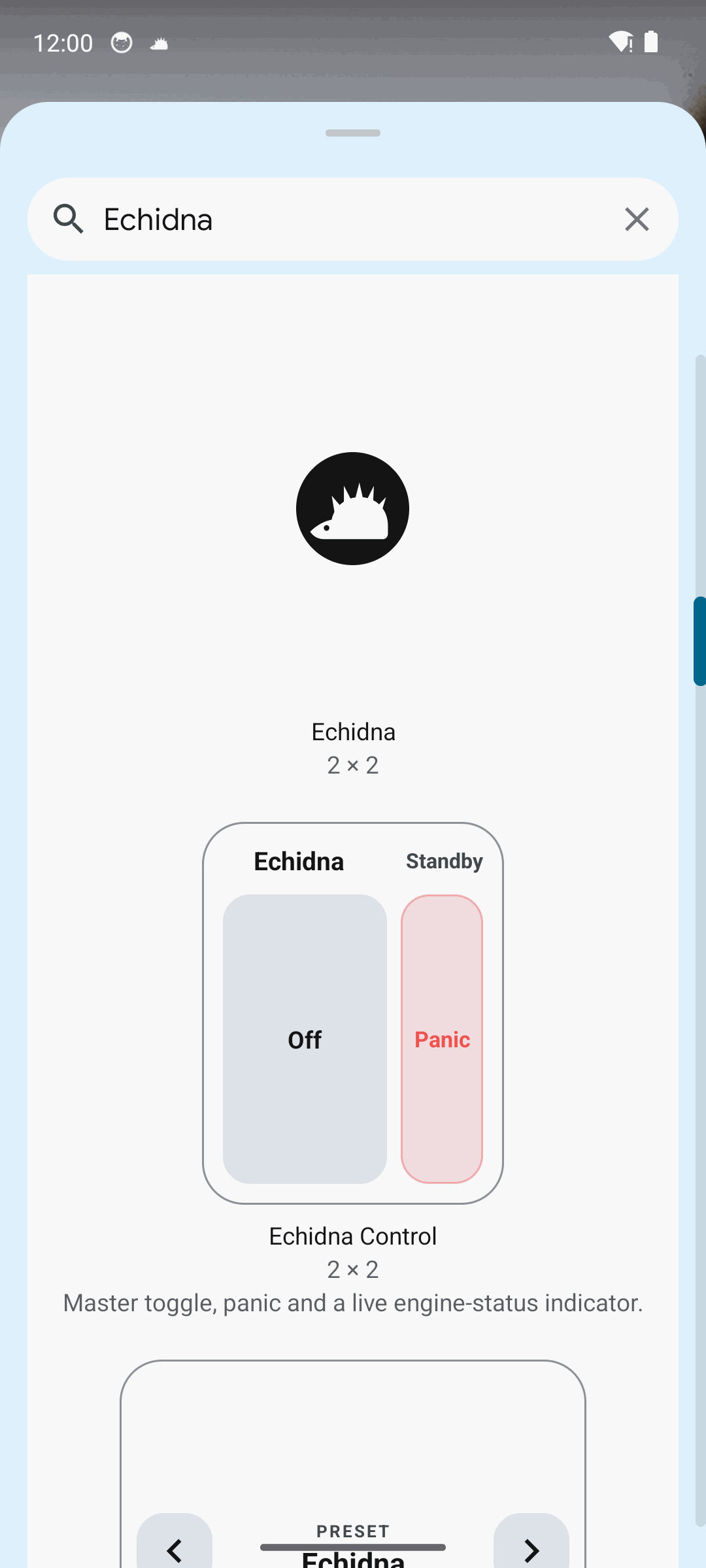
The three Echidna widgets on an unrooted device: engine status reads "Not installed", and control taps open the app rather than pretending to act.
The three feature-rich widgets:
| Widget | What it shows / does |
|---|---|
| Echidna Control (compact 2×1) | Status dot + label, a master On/Off pill, and a Panic button. Tapping the header opens the app. |
| Echidna Preset (wide 3×1) | The active preset name with previous/next buttons to cycle presets. |
| Echidna Quick Controls (large 4×2 hub) | Status dot + detail, preset name with prev/next, and quick pills for Master, Bypass, and Sidetone, plus Panic and open-app. |
There is also a basic Echidna toggle widget — a minimal compact widget with a status line (Enabled — {preset} / Disabled / Widget controls disabled) and an Enable/Disable toggle.
Widget engine states
Each widget renders one of these states, matching the in-app card:
| State | Label · detail |
|---|---|
| Active | Active · Processing audio |
| Standby | Standby · Master off · on standby |
| Bypassed | Bypassed · Passing audio through |
| Not installed | Not installed · Install the engine module |
| Error | Error · Engine reported a problem |
When widget controls are disabled
The three newer widgets check a widget controls enabled setting. When it's off, their controls show "Widget controls disabled" and taps open the app instead of acting — a deliberate guard against accidental toggles from the home screen.
The Quick Settings tile
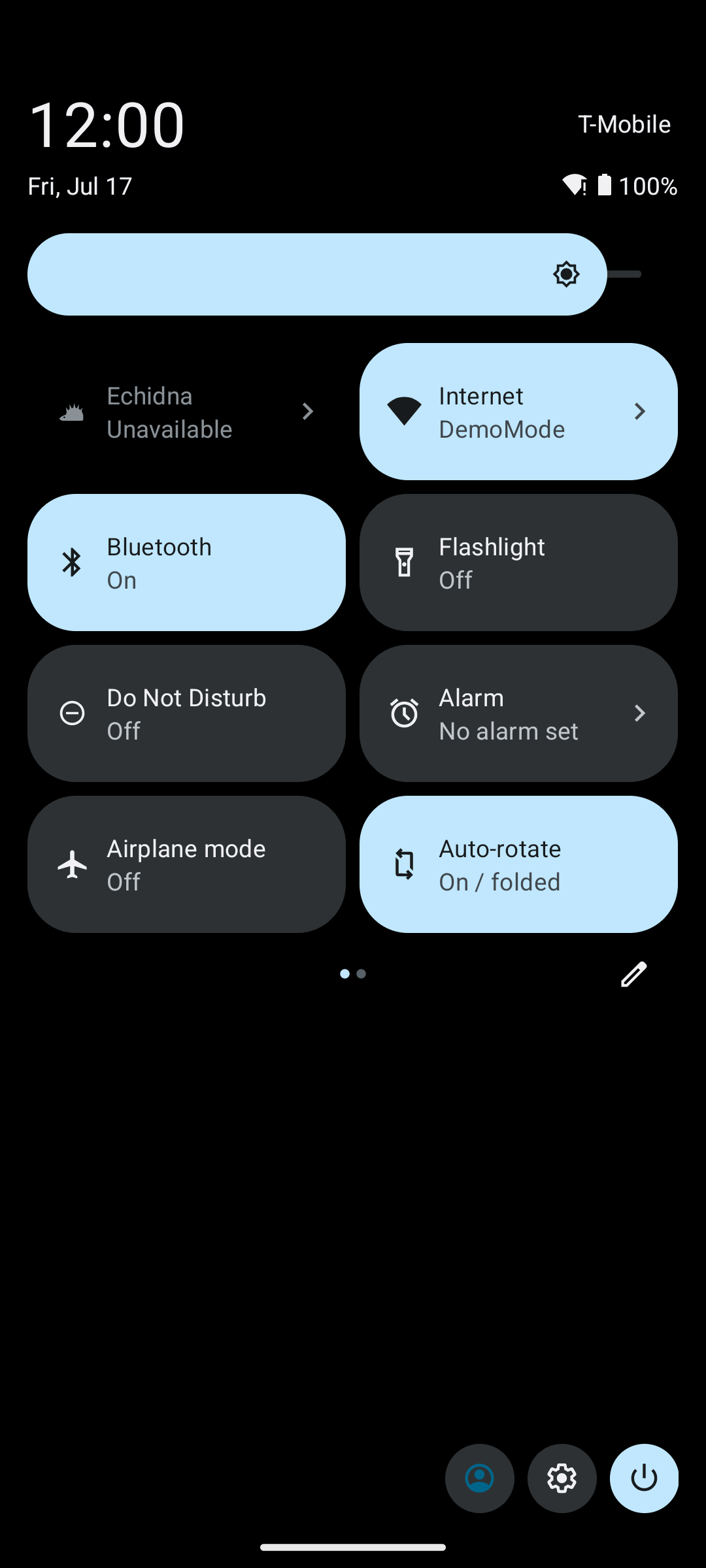
The Quick Settings tile. When the tile is disabled in settings it reads "Echidna Disabled" and is unavailable; on an unrooted device the underlying engine is still not installed.
The tile is a standard Android TileService labelled Echidna. It reacts to the
master toggle and the quick-controls-enabled setting:
| Condition | Tile state | Label |
|---|---|---|
| Quick controls disabled in settings | Unavailable | Echidna Disabled |
| Master enabled | Active | Echidna On |
| Master off | Inactive | Echidna Off |
Tapping the tile toggles the master control — unless quick controls are disabled, in which case it stays Unavailable and does nothing.
Adding the tile
On Android 13+ (API 33) the setup wizard offers a one-tap Add tile now button. On older versions, pull down the Quick Settings panel, edit the tiles, and drag Echidna in manually.
The tile controls the app, not interception
Toggling the tile flips Echidna's master control. On an unrooted device that still does not intercept other apps' audio — the engine remains not installed. See Verification for the device-gated boundary.
Related
- Theming — appearance for the app surfaces.
- Alerts — advisories about install and bridge state.
- Getting Started — enable the tile in step 10 of the wizard.