Comparison
Echidna is a real-time voice changer for the microphone/capture path on Android. That specific goal — transforming the audio an app records and transmits (a call, a voice message, a stream), in real time, per app, on the device itself — is unusual, and it shapes how Echidna compares to the tools people most often reach for.
Most Android and desktop audio tools operate on the playback path (the audio you hear) or run off-device (on a PC). Those are excellent at what they do, and for many users they are the right choice. They are simply solving a different problem than Echidna. This page lays out the differences honestly so you can pick the right tool.
Read the honest-status note first
Echidna builds green, ships a signed APK and a flashable per-ABI Magisk/Zygisk
module, and is crash-free through install → launch → navigation on an unrooted
emulator. Rooted Android 13/14 emulators prove native processBlock; their
AudioRecord.read interception slice predates the current explicit-contract redesign and is
historical evidence only. Magisk flashing, LSPosed live injection, and supported capture-route
coverage are still release-device work (see
Verification). The tools compared below are, by contrast, mature
and widely shipped. Weigh that maturity gap when choosing. We describe each tool by
what it does; we do not disparage any of them and we avoid claims we cannot
substantiate.
The one distinction that matters: capture vs. playback
Android audio has two directions, and almost every existing effects tool works on the output side:
- Playback / output path — audio going to your speaker or headphones (music, a game, the far end of a call). Equalizers, bass boost, convolvers, and "sound enhancer" effects live here. Changing it affects what you hear, not what other people hear from you.
- Capture / record path — audio coming from the microphone into an app, which the app then encodes and sends (a VoIP call, a voice note, a live stream). Changing it affects what the other side hears — this is what a voice changer needs.
Echidna targets the capture path inside the target app's process. Its current normal-flow
candidates are AAudio, OpenSL ES, tinyalsa, and LSPosed Java AudioRecord. Native
AudioRecord/libc require developer-supplied PCM contracts; Audio HAL and AudioFlinger are
unsupported injection boundaries (see Architecture). Nearly all the
alternatives below target the playback path or run on a PC. That is the core reason
they are not substitutes for one another.
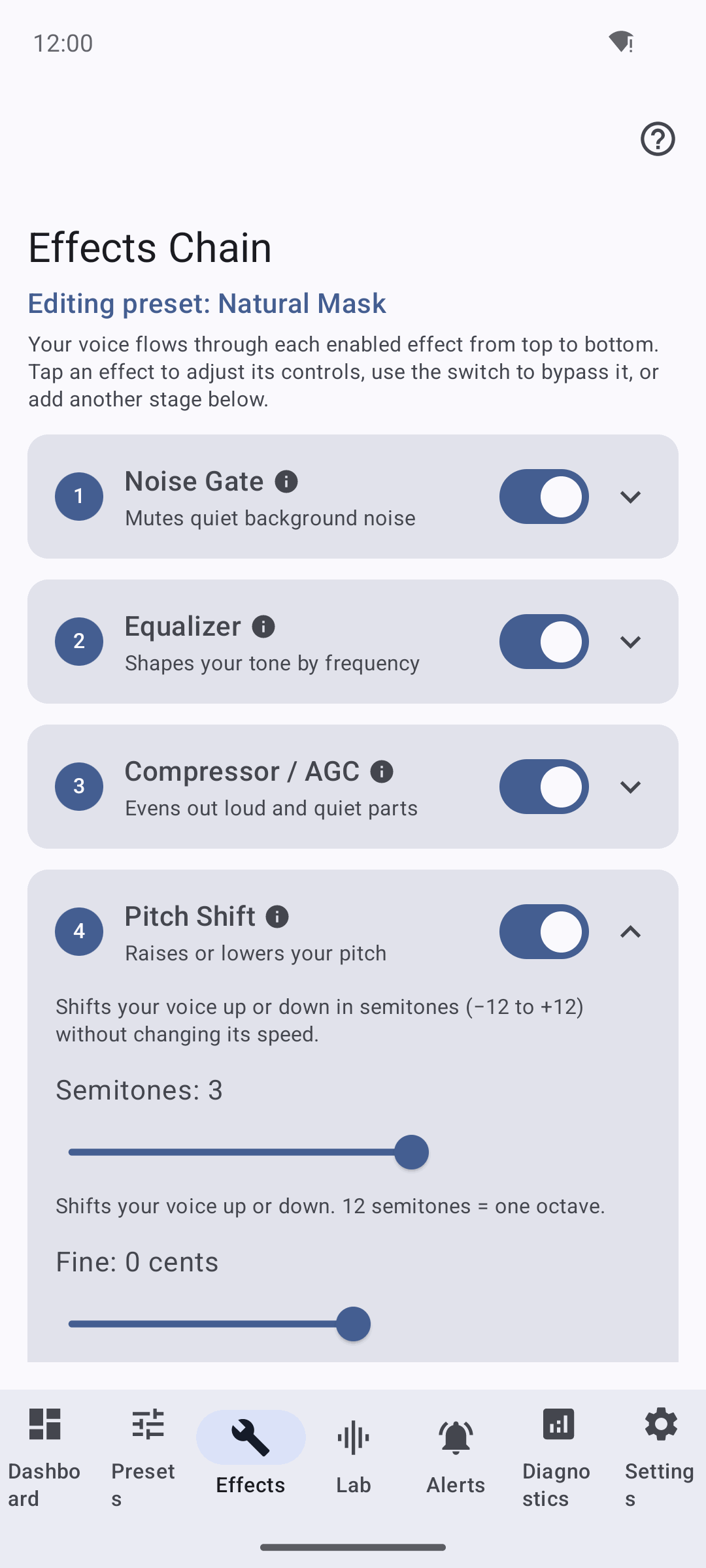
Feature comparison
| Feature | Echidna | RootlessJamesDSP | JamesDSP (Magisk) | ViPER4Android / audio-mod modules | Desktop voice changers (Voicemod, Clownfish, MorphVOX) |
|---|---|---|---|---|---|
| Audio path affected | Capture / mic (what apps record & transmit) | Playback / output | Playback / output (system-wide) | Playback / output (system-wide) | Capture — but only on the PC, via a virtual mic device |
| Runs on the Android device | ✅ | ✅ | ✅ | ✅ | ❌ (runs on a paired PC) |
| Changes what the far end hears in a call | Project goal; current capture candidates remain device-gated | ❌ | ❌ | ❌ | ✅ only if the call app runs on that PC |
| Real-time pitch / formant / Auto-Tune of your voice | ✅ | ❌ (EQ/convolver/compressor for playback) | ❌ (playback DSP) | ❌ (playback effects) | ✅ (that is their purpose, on PC) |
| Per-app selection | ✅ fail-closed whitelist + per-app preset | Global (per output) | Global (system-wide) | Global (system-wide) | Per-app on the PC (whichever app selects the virtual mic) |
| Requires root | ✅ Magisk + Zygisk (+ optional LSPosed) | ❌ (rootless, uses playback capture) | ✅ (Magisk module) | ✅ (Magisk module) | ❌ on Android; N/A |
| Injection method | Native inline hooks inside the target process (Zygisk), LSPosed Java shim as fallback | App using AudioEffect + AudioPlaybackCapture loopback |
System audio effect module | System AudioEffect / audio_effects config |
Virtual audio driver on the PC |
| Distribution | Sideload APK + flash Magisk zip (no Play Store) | F-Droid / Play / GitHub | Magisk / GitHub | Magisk / XDA | PC installer |
| Maturity | Early; service-side DSP proven, current capture routes need a release-device matrix | Mature, widely used | Mature | Mature/legacy | Mature, commercial |
Legend: ✅ = supported / yes · ❌ = not a goal of that tool. “Device-gated” means a route has a normal-flow code contract but has not been validated on release hardware. It does not apply to developer-contract-only or unsupported routes — see Verification.
Tool-by-tool
RootlessJamesDSP
A well-regarded, rootless system-wide audio processor. It uses Android's
AudioEffect framework together with the playback-capture / internal-loopback
mechanism to apply EQ, convolution (impulse responses), compression, and other effects
to the audio you hear. Because it needs no root, it is easy to install and very
popular.
How Echidna differs: RootlessJamesDSP processes the playback/output stream — it improves how audio sounds coming out of your device. It is not a microphone voice changer: it does not sit in another app's record path, so it does not alter the voice a call or streaming app captures and transmits. Echidna targets exactly that capture path, which is why it needs in-process hooks (and therefore root) that a rootless playback processor does not.
JamesDSP (Magisk / root)
The root-flavored sibling: a Magisk module that applies the same class of high-quality DSP system-wide to output audio, integrating at the system audio-effects layer.
How Echidna differs: same axis as above — JamesDSP transforms output for the whole system; Echidna transforms mic input for selected apps. They share the "root on Android" trait but operate on opposite ends of the audio pipeline and at different scopes (system-wide output vs. per-app capture).
ViPER4Android and Magisk audio-mod modules
Long-standing system-wide effect engines (ViPER4Android being the best known),
installed as Magisk modules that hook into the system AudioEffect / audio_effects
configuration to add reverb, EQ, virtual surround, and similar playback effects.
How Echidna differs: these are system-wide playback post-processors. They change how everything sounds on your speakers/headphones. They do not intercept the microphone capture of individual apps and are not voice changers for outgoing audio. Echidna's per-process capture hooking and per-app whitelist are outside their scope.
Desktop voice changers — Voicemod, Clownfish, MorphVOX
Mature, often commercial PC applications. They install a virtual audio input device; you point Discord/OBS/etc. at that virtual mic, and the app transforms your voice in real time before the call/streaming app receives it. For desktop users this is the standard, polished solution.
How Echidna differs: these run on a PC, not on the phone. They rely on a virtual audio driver and on the target app selecting it as its microphone — a model that Android does not offer to normal apps. Echidna's entire reason to exist is to do the equivalent on-device on Android, where there is no user-installable virtual mic and no official API to intercept another app's capture path. That is what forces the root + in-process hooking approach (and what makes it hard — see Why It's Hard).
When to choose something else
Echidna is deliberately narrow. Prefer another tool when:
- You want to improve playback sound (music, movies, games). Use RootlessJamesDSP (no root) or JamesDSP / ViPER4Android (root). Echidna does nothing for the audio you hear.
- You are on a PC. A desktop voice changer will be far simpler and more polished than rooting a phone.
- You cannot or will not root your device. Echidna's capture-path hooking requires Magisk + Zygisk; there is no rootless mode that achieves the same interception. A rootless playback tool is your only on-device option, and it will not change your outgoing voice.
- You need a supported, app-store-distributed product. Echidna is sideloaded and flashed, is early-stage, and still has release-device behavior that is not yet hardware-verified here.
Choose Echidna specifically when you need to transform your outgoing microphone audio, per app, in real time, on an Android device you control and have rooted — the one thing the alternatives above are not built to do.
Related reading
- Architecture — how the in-process capture hooks and DSP fit together.
- Design Rationale — why Zygisk + LSPosed and native DSP.
- Limitations — the real constraints (OEM/SELinux/HAL variance, duplicate hook scopes, ABI coverage, root requirement).
- Why It's Hard — the engineering reasons on-device capture interception is difficult.
- Verification — exactly what is proven vs. device-gated.