
GIF is intended for short clips. RDP GIF capture runs at up to 10 frames per second and scales the canvas to fit within 1280×720 pixels, preserving its aspect ratio. This only affects the recording; it does not change the remote desktop resolution or frame rate.
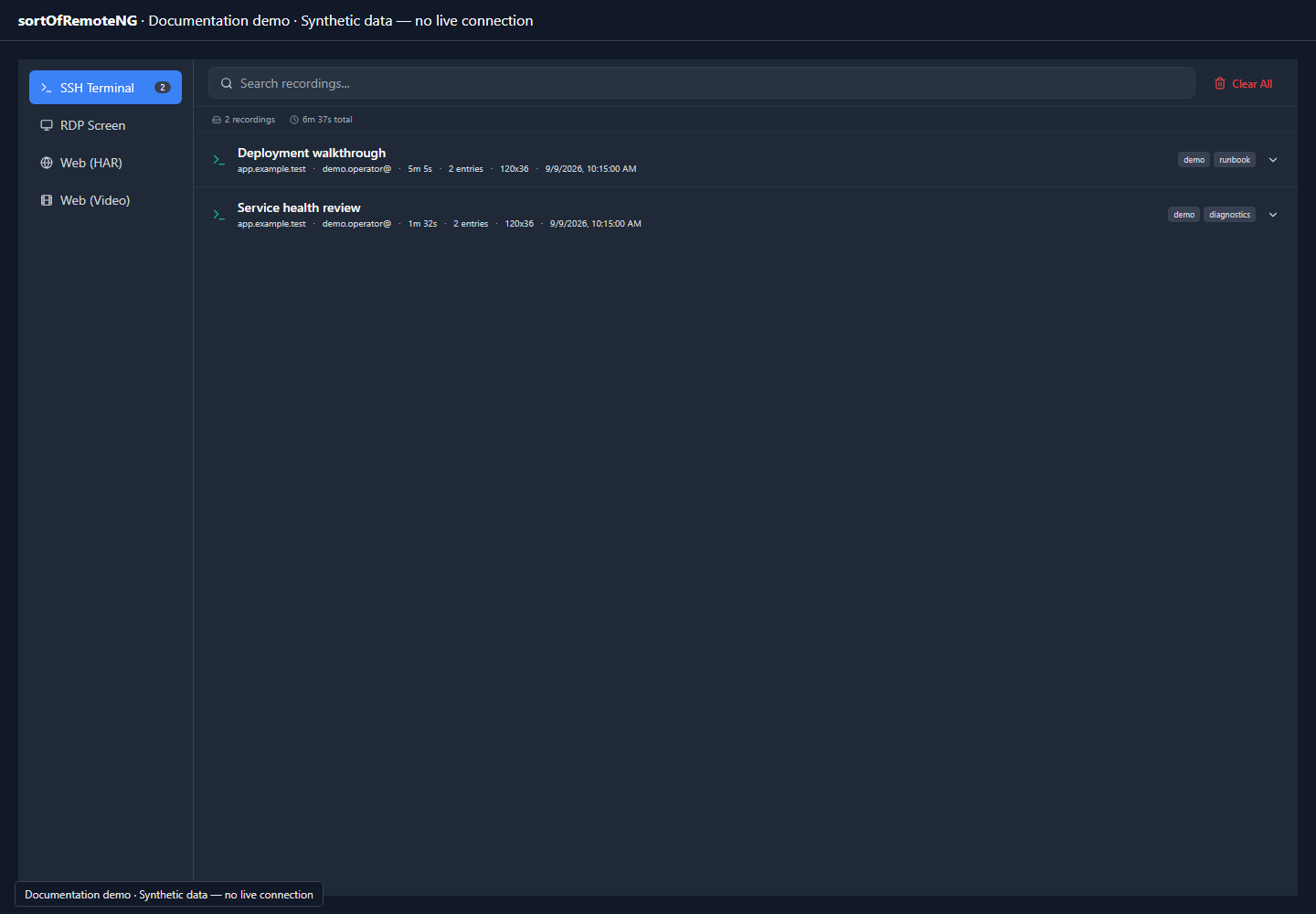
Open the Recording Manager to find saved recordings by source and name. Expanding an SSH recording exposes its available export formats. A listing does not imply that every format or protocol supports live video capture.
Encoding runs in a worker while recording. If encoding is busy, capture skips frames and preserves elapsed playback time in the next frame delay. Paused time is excluded. The recorder keeps at most one RGBA frame in flight and one indexed frame in the encoder, plus the bounded encoded output.
RDP GIF recording automatically stops at five minutes of active recording or 64 MiB of encoded output and saves the valid captured portion to the recording library. A warning explains which limit was reached. A failure to capture, encode, or save produces an error instead of claiming success. Closing the session cancels unfinished work and releases its resources. Starting another recording is disabled while a requested save is being finalized.
SSH GIF export samples the entire recording timeline, including the final terminal state, using at most 300 frames and the same output dimensions and resource limits. Exports that cannot fit report an error instead of silently truncating the recording. Use asciicast for longer terminal recordings, or WebM/MP4 for longer or higher resolution RDP video.
GIF requires Web Worker support. Canvas capture uses a separate 2D staging canvas so it does not request a different rendering context from WebGL or worker-owned RDP canvases.